Best Video Lengths for Different Types of YouTube Content

Introduction Video length significantly impacts YouTube performance through effects on watch time, retention, and viewer satisfaction. However, optimal length varies dramatically based on content type, audience expectations, and channel goals. A tutorial might thrive at 15 minutes while entertainment content performs best at 8 minutes. Understanding length optimization for specific content categories enables creating videos […]

Read More
How to Edit YouTube Videos That Keep Viewers Watching

Introduction YouTube’s algorithm prioritizes watch time and audience retention, making editing crucial to channel success. Videos that lose viewers quickly receive less promotion regardless of content quality. Professional editing techniques maintain engagement, encourage watching until the end, and signal to YouTube that content deserves wider distribution. Understanding retention-focused editing transforms average videos into successful ones, […]

Read More
 iMovie: Maximizing Results with Limited Tools

iMovie: Maximizing Results with Limited Tools

Introduction iMovie offers free, accessible video editing for Mac and iOS users, though its simplified interface and limited features frustrate editors seeking advanced capabilities. However, understanding iMovie’s strengths and working within its constraints enables creating surprisingly professional content. Many successful YouTubers and content creators started with iMovie, proving that creativity and skill matter more than […]

Read More
 Avid Media Composer: Industry Standard Workflow

Avid Media Composer: Industry Standard Workflow

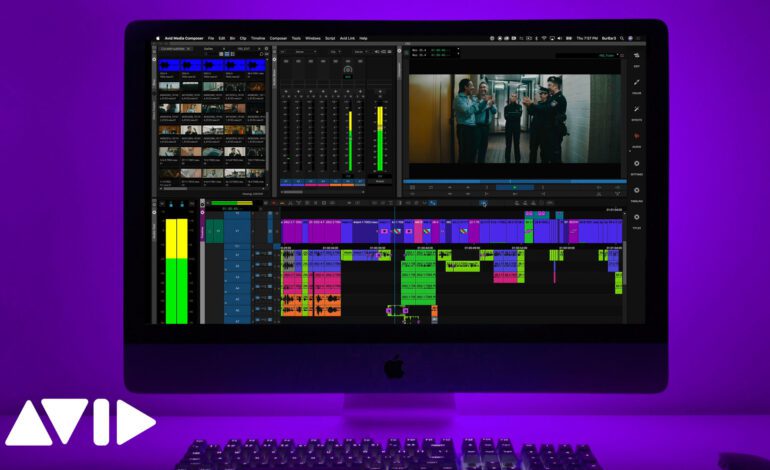
Introduction Avid Media Composer dominates professional film and television post-production despite strong competition from Premiere Pro and DaVinci Resolve. Understanding why Media Composer maintains industry leadership requires examining its unique workflow, collaborative capabilities, and professional features. For editors pursuing careers in traditional media, film production, or broadcast television, Media Composer proficiency remains essential. This guide […]

Read More
 HitFilm: Combining Editing and VFX Effectively

HitFilm: Combining Editing and VFX Effectively

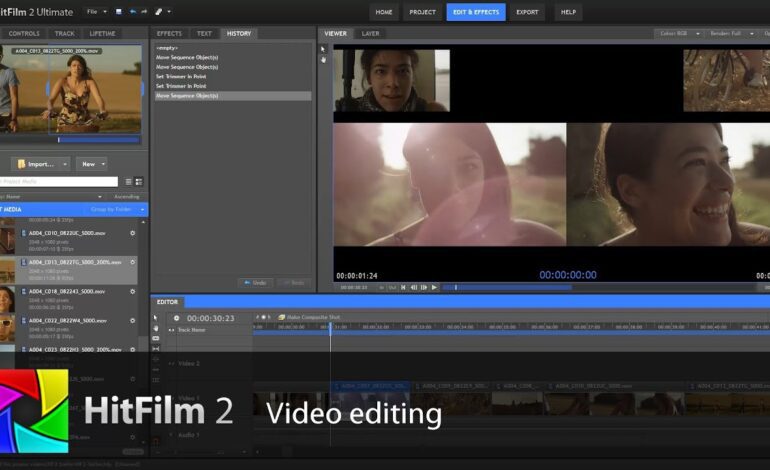
Introduction HitFilm uniquely combines professional video editing with sophisticated visual effects capabilities in single application. This integration enables seamless workflows where editing and VFX occur within the same environment without constant exporting between separate applications. While this unified approach offers obvious advantages, maximizing HitFilm’s potential requires understanding when to use editing versus VFX workspaces and […]

Read More
 Lightworks: Professional Editing on a Budget

Lightworks: Professional Editing on a Budget

Introduction Lightworks offers professional-grade editing capabilities with free tier option, making high-end features accessible without significant financial investment. Used on major Hollywood productions including “The Wolf of Wall Street” and “Pulp Fiction,” Lightworks proves professional results don’t require expensive software subscriptions. However, Lightworks’ unique interface and workflow require learning investment before reaping productivity benefits. This […]

Read More
 Vegas Pro: Optimizing Performance for Smooth Playback

Vegas Pro: Optimizing Performance for Smooth Playback

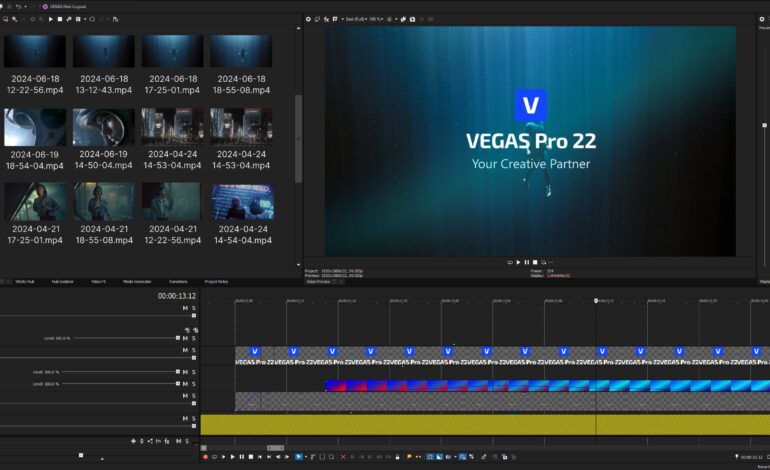
Introduction Vegas Pro is powerful editing software offering professional capabilities at accessible prices. However, many users experience performance issues including choppy playback, slow rendering, and interface lag. These problems often stem from improper configuration rather than software limitations or inadequate hardware. Understanding Vegas Pro’s performance settings, optimization techniques, and workflow best practices dramatically improves editing […]

Read More
 Filmora 13: Best Effects and How to Use Them

Filmora 13: Best Effects and How to Use Them

Introduction Final Cut Pro X’s magnetic timeline revolutionized video editing when Apple introduced it, replacing traditional track-based editing with a dynamic, gap-free approach. While initially controversial among traditional editors, the magnetic timeline offers unique advantages enabling faster editing and preventing common mistakes. However, mastering this distinctive system requires understanding its mechanics and learning techniques specific […]

Read More
 CapCut Desktop: Hidden Features You Didn’t Know About

CapCut Desktop: Hidden Features You Didn’t Know About

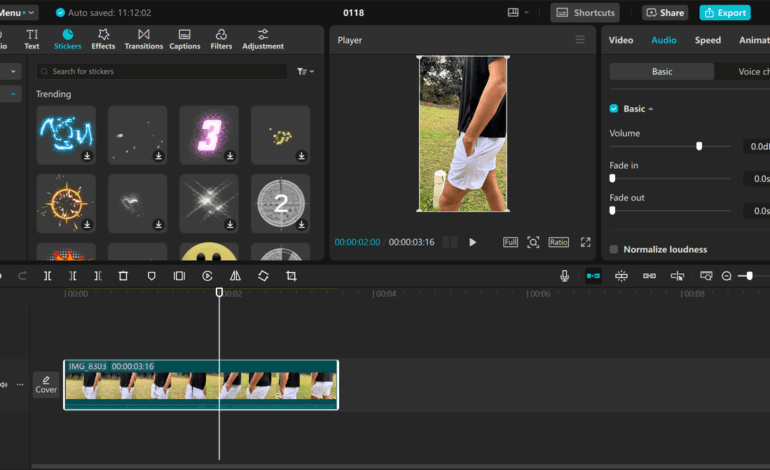
Introduction CapCut Desktop has evolved from simple mobile editing app to surprisingly capable desktop application rivaling established editing software. While many users stick to basic features, CapCut contains numerous hidden capabilities that dramatically expand creative possibilities. These lesser-known features enable professional-quality results without complex learning curves or expensive software investments. This guide reveals CapCut’s hidden […]

Read More
 DaVinci Resolve: Free vs Studio Version Comparison

DaVinci Resolve: Free vs Studio Version Comparison

Introduction DaVinci Resolve offers both free and paid Studio versions, creating confusion about which version professionals need versus hobbyists. The free version provides remarkably comprehensive capabilities matching or exceeding many paid editing applications. However, Studio version adds professional features essential for high-end production workflows. Understanding specific differences enables informed decisions about whether Studio’s one-time purchase […]

Read More