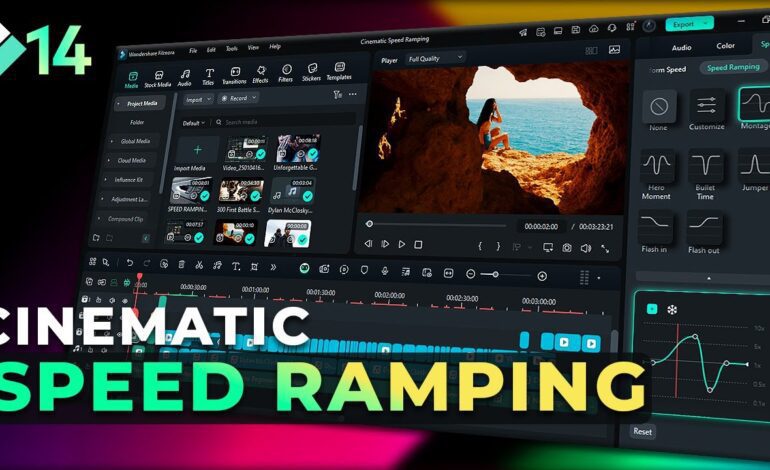
Static images no longer need to feel flat or lifeless. In 2026, creators across social media, filmmaking, advertising, and digital storytelling are using parallax animation to transform ordinary photographs into immersive visual experiences. This editing technique creates the illusion of depth by moving different layers of an image at separate speeds, producing a cinematic motion effect that instantly captures attention.
From travel reels and YouTube intros to brand advertisements and portfolio showcases, parallax visuals have become a major part of high-performing content. The reason is simple: movement increases engagement. When viewers notice subtle depth and smooth motion inside a still frame, the image feels more realistic and emotionally compelling.
This guide explains how to build dynamic parallax effects step by step while keeping your workflow clean, professional, and optimized for modern content platforms.
Why the Parallax Technique Works So Well
Human eyes naturally respond to depth and motion. Traditional photography captures a single moment, but layered animation introduces dimension that makes scenes appear alive. When foreground objects move faster than the background, the brain interprets the image as having real spatial depth.
This illusion is especially effective for:
- Cinematic title sequences
- Social media reels
- Documentary storytelling
- Product promotions
- Landscape photography
- Music videos
- YouTube b-roll
Modern audiences scroll quickly, so editors need visuals that stop viewers instantly. Subtle depth movement helps retain attention without overwhelming the scene.
Choosing the Right Image for Better Results
Not every photo works perfectly for this style. The strongest results usually come from images containing clear foreground, middle-ground, and background elements.
Excellent examples include:
- City streets with buildings at varying distances
- Portraits with visible separation behind the subject
- Nature scenes with mountains, trees, and skies
- Interior shots with layered objects
- Drone photography with environmental depth
Avoid overly crowded frames where objects overlap heavily. Clean separation between layers makes the editing process smoother and more believable.
High-resolution photos are also important because zooming and movement can reveal imperfections in low-quality images.
Separating Layers for a Professional Look
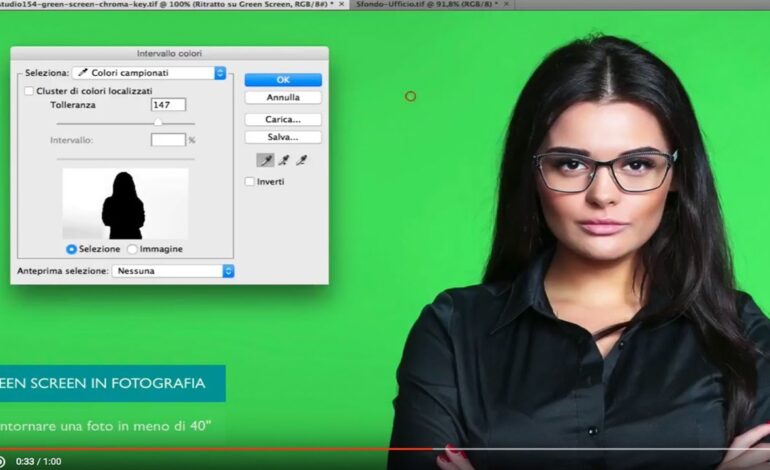
The foundation of a convincing parallax animation is proper layer separation. This stage involves isolating different parts of the image so each section can move independently.
Typical layers include:
- Foreground objects
- Main subject
- Background environment
- Sky or distant scenery
Most editors use masking tools in applications like:
- Adobe Photoshop
- Adobe After Effects
- DaVinci Resolve
- Blender
Careful masking matters because rough edges instantly reduce realism. Use feathering and cleanup tools to maintain smooth transitions around subjects.
After removing objects from their original positions, fill empty spaces using clone or generative fill tools so movement does not reveal missing areas.
Adding Camera Motion for Cinematic Depth
Once the image is separated into layers, the next step is creating virtual camera movement. This is where the illusion truly comes alive.
Instead of aggressively moving layers, focus on subtle and controlled motion. Slow cinematic movement generally performs better because it feels natural.
Popular camera movements include:
Push-In Motion
A gradual zoom toward the subject adds emotional intensity and dramatic focus.
Side-to-Side Drift
Horizontal movement enhances environmental depth and creates immersive storytelling.
Vertical Floating
Upward or downward motion works beautifully for landscapes and atmospheric visuals.
Orbital Movement
Slight perspective rotation can simulate realistic camera positioning in 3D space.
The key is balance. Excessive movement often breaks the illusion and makes the animation appear artificial.
Creating Realistic Depth With 3D Space
Many modern editors convert image layers into 3D elements within their software timeline. This allows the camera to move through virtual depth rather than simply sliding flat layers across the screen.
To create convincing dimension:
- Place foreground layers closer to the camera
- Position background layers farther away
- Maintain proportional scaling
- Use realistic motion blur
- Keep camera speed smooth
When done correctly, the final result feels similar to footage captured with a professional cinema camera.
Using Motion Blur to Improve Realism
One of the most overlooked parts of parallax editing is motion blur. Real cameras naturally create blur during movement, so perfectly sharp animated layers can feel unnatural.
Subtle blur helps blend motion together and adds a polished cinematic appearance. Many editors also combine:
- Depth of field
- Grain overlays
- Light leaks
- Atmospheric haze
- Soft shadows
These additions increase realism while enhancing the emotional tone of the scene.
Best Export Settings for Social Media Platforms
Modern platforms prioritize visually engaging content, especially short-form vertical videos. To maximize performance, export your parallax animations in optimized formats.
Recommended Settings
- Resolution: 1080×1920 for vertical content
- Frame Rate: 24fps or 30fps
- Codec: H.264 or H.265
- Bitrate: High-quality variable bitrate
- Duration: 5 to 15 seconds for short-form engagement
Content designed for platforms like Instagram, TikTok, and YouTube often performs better when movement begins immediately within the first second.
Common Mistakes That Reduce Quality
Even experienced creators sometimes overcomplicate parallax effects. Avoiding these mistakes can dramatically improve your final output.
Overly Aggressive Movement
Extreme camera motion destroys realism and distracts viewers.
Poor Layer Separation
Visible masking errors instantly reveal the editing process.
Low-Resolution Images
Compression and scaling artifacts weaken professional quality.
Inconsistent Perspective
Incorrect object positioning breaks depth illusion.
Excessive Effects
Too many overlays or transitions can make scenes feel cluttered.
Keeping animations clean and subtle usually delivers stronger engagement.
AI Tools Are Changing Parallax Editing in 2026
Artificial intelligence is rapidly improving animation workflows. Many modern tools can now automatically separate depth layers, generate missing backgrounds, and even simulate realistic camera motion.
AI-assisted editing speeds up production while helping beginners achieve advanced-looking results. However, manual refinement still plays a major role in producing polished cinematic visuals.
Professional creators often combine automation with custom adjustments to maintain originality and creative control.
Final Thoughts on Dynamic Photo Animation
Parallax editing continues to evolve as one of the most effective techniques for transforming static photography into engaging cinematic content. Whether you are creating social media reels, commercial visuals, travel stories, or portfolio pieces, layered motion adds depth that immediately captures viewer attention.
The best results come from careful planning, smooth movement, realistic spacing, and clean masking. Instead of relying on extreme effects, focus on believable motion that enhances the emotional impact of the image.
As visual storytelling becomes increasingly competitive in 2026, mastering parallax animation can help your content stand out across every major platform while improving engagement, watch time, and audience retention.